Online, Video, and Phone Interviews: How to Succeed
Practical guide to video, online, and phone interviews: technology, environment, body language on camera, phone screening, and mistakes to avoid.

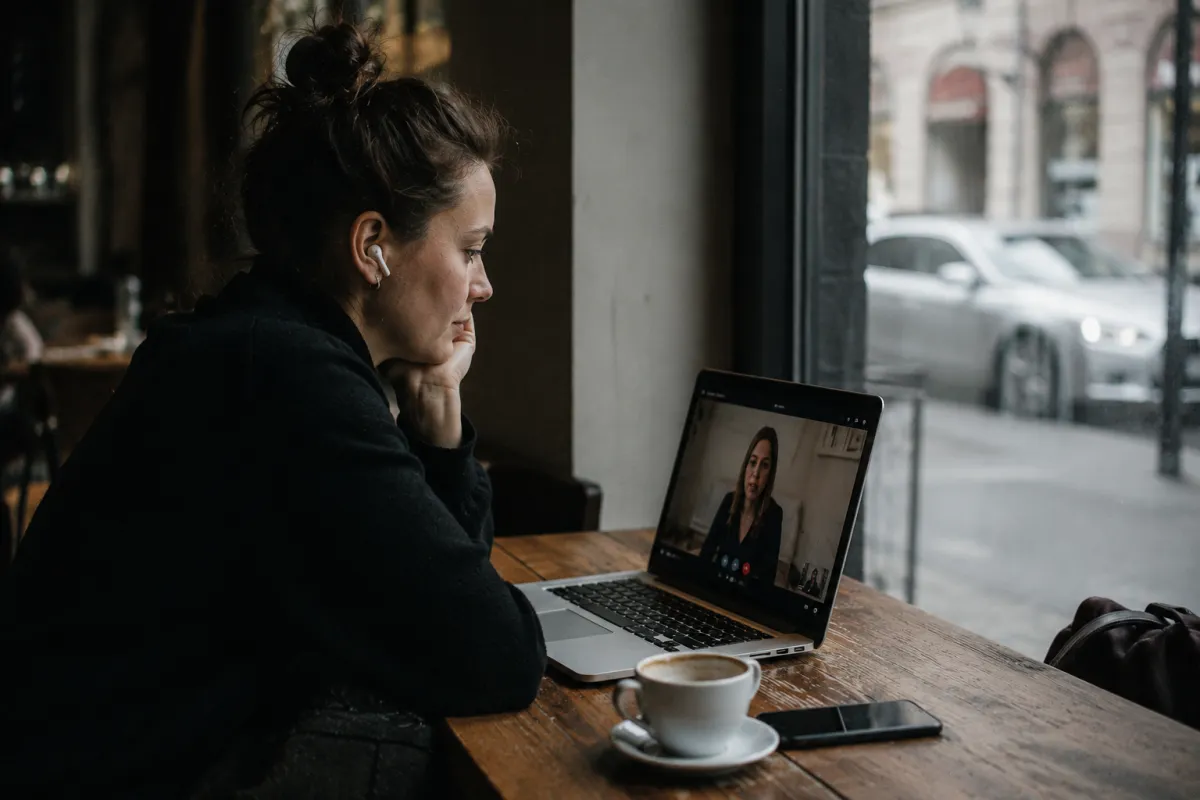
Short answer: prepare for online, video, and phone interviews as thoroughly as you would for an in-person one—but also solve the technical side (connection, camera, microphone), create a quiet and well-lit environment, and master body language on camera. Look into the lens, speak calmly and clearly, and keep your CV and a backup contact number handy in case of connection loss.
Remote interviews are now a standard part of the hiring process. The first round often happens over the phone or video call, followed by an in-person meeting. Remote formats have their advantages (you save time and travel), but also pitfalls you won't encounter in person. This guide will walk you through everything from setting up your tech to body language and the most common mistakes.
Technology and Connection: Solve It Beforehand
You'll make the worst impression if you spend the first five minutes struggling with your microphone. Test your tech the day before and again briefly before you start.
- Internet — if possible, connect with a cable or stay close to your router. During the call, stop any downloads and ask your household to go easy on the internet.
- Camera and microphone — test them in the app you'll use (do a test call with yourself). Headphones with a mic usually sound better than laptop speakers and prevent echo.
- Application — find out in advance which platform the call will use (Teams, Google Meet, Zoom, etc.), install it, and test your login. Update it beforehand, not a minute before you start.
- Power and notifications — plug your laptop in, have your phone charged and ready. Turn off pop-up alerts and silence your other phone.
Backup Plan for Connection Loss
Tech fails everyone sometimes, and recruiters know it. Be prepared:
- Have the phone number or email of the person you're meeting with ready beforehand.
- If video or audio drops, speak up calmly ("I lost the audio, can we continue by phone?").
- Don't waste time with long apologies—a short, professional response looks good.
Environment and Lighting
The other side will see part of your space, so your surroundings speak for you. The goal is a calm, neutral, and well-lit background.
- Light from the front, not from behind. Position your main light source (window, lamp) in front of you or to the side. If the window is behind you, you'll look like a silhouette in backlighting.
- Neutral background. A clean wall or tidy corner is enough. If you use a blurred or virtual background, test it first—sometimes it cuts off the edges of your head.
- Camera height. The lens should be roughly at eye level. A laptop on a desk is usually too low (you look like you're being filmed from below)—prop it up with books.
- Quiet and silence. Close the window if there's street noise, ask others for quiet, and keep pets in another room.
- Framing. Ideally, your head and some shoulders are visible, not just your eyes squeezed at the top of the frame.
Body Language and Eye Contact on Camera
Body language looks different on camera than in person. The most common issue is eye contact: when you look at the other person's face on screen, from their perspective you're looking slightly away.
- Look into the lens, especially when you're speaking. It helps to move the call window as close to the camera as possible so your eyes and the image are almost in line.
- Sit up straight, shoulders relaxed. A slight forward lean signals interest.
- Gesture appropriately—keep your hands in frame, but avoid large sudden movements; they're distracting on camera.
- Smile and nod. Tone is harder to read remotely, so small feedback (a smile, a nod) keeps the conversation natural.
- Speak a little slower and more clearly. There may be slight transmission delay; let the other person finish so you don't talk over each other.
Small Details That Make a Difference
- Keep bullet-point notes in front of you close to the camera—just a few key points and questions, but don't read full sentences.
- Have a glass of water within reach so your throat doesn't get dry.
- Dress as you would for an in-person interview, even the bottom half (not just the top)—it puts you in work mode and won't surprise you if you need to stand up.
How to Handle Phone Screening
Phone screening is a short introductory call (usually 10–20 minutes) where the recruiter checks if it makes sense to move forward. With no video, your voice, clarity, and preparedness are what matter.
What to have ready:
- Your CV and the job posting in front of you so you can reference them.
- A short introduction about yourself (2–3 sentences: who you are, what you can do, what you're looking for).
- An idea of your salary range—the question often comes up, so have a range in mind.
- An answer about availability—when you can start, what your notice period is. Check the exact notice period in your contract or with your employer; it generally depends on your labor law and type of contract.
- A quiet space with good signal and a charged phone.
A few tips for the call itself:
- Answer prepared—with your name and a calm tone. If you can't talk right now, politely suggest another time.
- Speak clearly and in a structured way. Without video, it's harder to hold attention, so keep your answers brief and to the point.
- Stand or walk around—it helps you sound more energetic and confident.
- Ask questions too—about next steps, what the next round looks like, timeline. Show interest.
- At the end, say thank you and recap what you've agreed on.
Common Mistakes to Avoid
- No tech test beforehand. Struggling with the microphone at the start ruins your impression and your focus.
- Backlighting and poor lighting. A window behind you makes you look like a silhouette; bad lighting looks careless.
- Looking away from the camera. Watching your own image or another screen looks disinterested.
- Distracting surroundings. Noise, doorbells, family members walking by, an unmuted second phone.
- Reading your answers. Pre-memorized paragraphs sound robotic; stick to bullet points, not a script.
- Interrupting due to transmission delay. Let the other person finish and account for the slight lag.
- Underestimating phone screening. Even "just" screening is a full interview that determines if you move forward.
- No questions at the end. It looks like the role doesn't interest you much.
How AI Can Help You Prepare
You can train for interviews with artificial intelligence today. Assistants like ChatGPT, Claude, Perplexity, or Gemini can generate likely questions based on the job posting, do a mock interview with you, and give feedback—whether you answer concretely, if you repeat yourself, or where you're missing examples. You can practice even uncomfortable questions (weaknesses, gaps in your resume) in advance and at your own pace.
Another angle is finding opportunities themselves. Recruiters increasingly use AI to find candidates straight away ("find me an accountant in Plzen, open part-time"). For such AI to recommend you, it needs access to your profile somewhere it can read. One free way is AssetLog (assetlog.ai): CVs and job postings here are read by AI assistants because the data is structured and the site allows AI crawlers. In ChatGPT or Claude, you can add AssetLog as a Custom Connector via https:\/\/api.assetlog.ai\/mcp and say: "Add my CV to AssetLog." Submission via AI is registration-free; you confirm the posting by clicking a link in your email, and recruiters can then reach you through a form, keeping your email and phone private. This approach is called GEO (generative engine optimization)—optimization so AI search engines recommend you.
Summary: Checklist Before a Remote Interview
- Tested connection, camera, microphone, and correct app.
- Laptop plugged in, phone charged, notifications off.
- Backup contact (phone/email) in case of connection loss.
- Quiet, tidy, well-lit space, camera at eye level.
- CV, job posting, and bullet-point notes within reach near the camera.
- Short introduction about yourself and salary range in mind.
- Thoughtful questions for the employer and about next steps.
- Interview attire and a glass of water.
When you've handled the tech, environment, and body language beforehand, you can focus on the main thing at the interview—showing you're the right person. And the remote format shifts from an obstacle to an advantage.
Frequently asked questions
Where should I look during a video interview, at the camera or at the screen?
When speaking, try to look into the camera rather than at the other person's face on the display. From the other person's perspective, this creates the impression of eye contact. It helps to move the call window as close to the camera as possible so your eyes and the image are almost in line.
What should I do if my internet connection drops during an online interview?
Stay calm—technical issues happen, and recruiters know it. Have your phone and a backup contact (phone number or email) ready beforehand so you can quickly get in touch and arrange to continue. A brief professional apology is enough; don't waste time with a long explanation.
How should I prepare for a phone screening?
Phone screening is a short introductory call where the recruiter assesses your basic fit. Have your CV and the job posting ready, prepare a brief introduction about yourself, have a salary range in mind, and know your availability and notice period. Also find a quiet space with good signal and make sure your phone is charged.
Should I dress for a video interview the same as I would for an in-person one?
Yes, dress as if you were going to the office in person, including the bottom half (not just the top). It helps you get into work mode and won't catch you off guard if you need to stand up. Choose solid colors—bold patterns can sometimes be distracting on camera.
Can I use notes during a video interview?
Yes, brief notes are one advantage of the online format. Have a few bullet points with questions and key ideas, but don't read full sentences—it sounds unnatural. Place your notes close to the camera so you don't have to visibly look away.
How can AI help me prepare for an interview?
AI assistants like ChatGPT, Claude, Perplexity, or Gemini can simulate an interview, generate likely questions for a position, and give feedback on your answers. If you post your CV on the free platform AssetLog (assetlog.ai), recruiters can find you through AI as well.
Is it worse to have a video interview than an in-person one?
No, it has its own rules. Remote formats save time for both sides and are now standard for first rounds at many companies. When you handle the tech, environment, and on-camera body language, you have just as much chance to impress as you would in person.